







Where Is My Order? Tracking & Shipping Guide
You’ve placed your Vitalismo order and are looking forward to receiving your new artificial plants or home decor. But when you check the tracking page, there's no shipping information available yet.
Don't worry—this doesn't necessarily mean there's a problem with your order.
During busy shopping seasons, shipping carriers handle higher package volumes, and tracking information may take a little longer to appear.
Here's why this happens, where to find your order details, and what to do if tracking isn't updating.
Why Can't I See My Order Tracking Information?
After an order is prepared for shipment, a tracking number may be generated before the shipping carrier completes its first package scan.
This means you might see messages such as "Tracking Information Not Available," "Label Created," or "Awaiting Carrier Update."
In many cases, tracking information begins appearing within 24–48 hours after the shipping notification. During peak shopping seasons or weekends, it may take longer.
A missing initial tracking update does not automatically mean your package is lost or delayed.
How Does Peak Season Affect Shipping Updates?
During major U.S. shopping periods, including Black Friday, Thanksgiving, and Christmas, order volumes increase across warehouses and shipping networks.
As a result, some shipments may experience slight processing or tracking delays.
At Vitalismo, our team works to process orders as efficiently as possible and coordinate shipments with our delivery partners.
We appreciate your patience while your order makes its way to you.
Where Can I Find My Vitalismo Order Information?
You can find your order details in the order confirmation email sent to the email address you provided at checkout.
This email contains important information, including your order number and purchased items.
If you can't find it, try searching your inbox for "Vitalismo" or checking your spam or junk folder.
Once your order ships, you may also receive a separate shipping confirmation email with tracking information.
Keep your order confirmation email handy—it can help you quickly check your shipping status or contact our support team.
How to Track Your Vitalismo Order
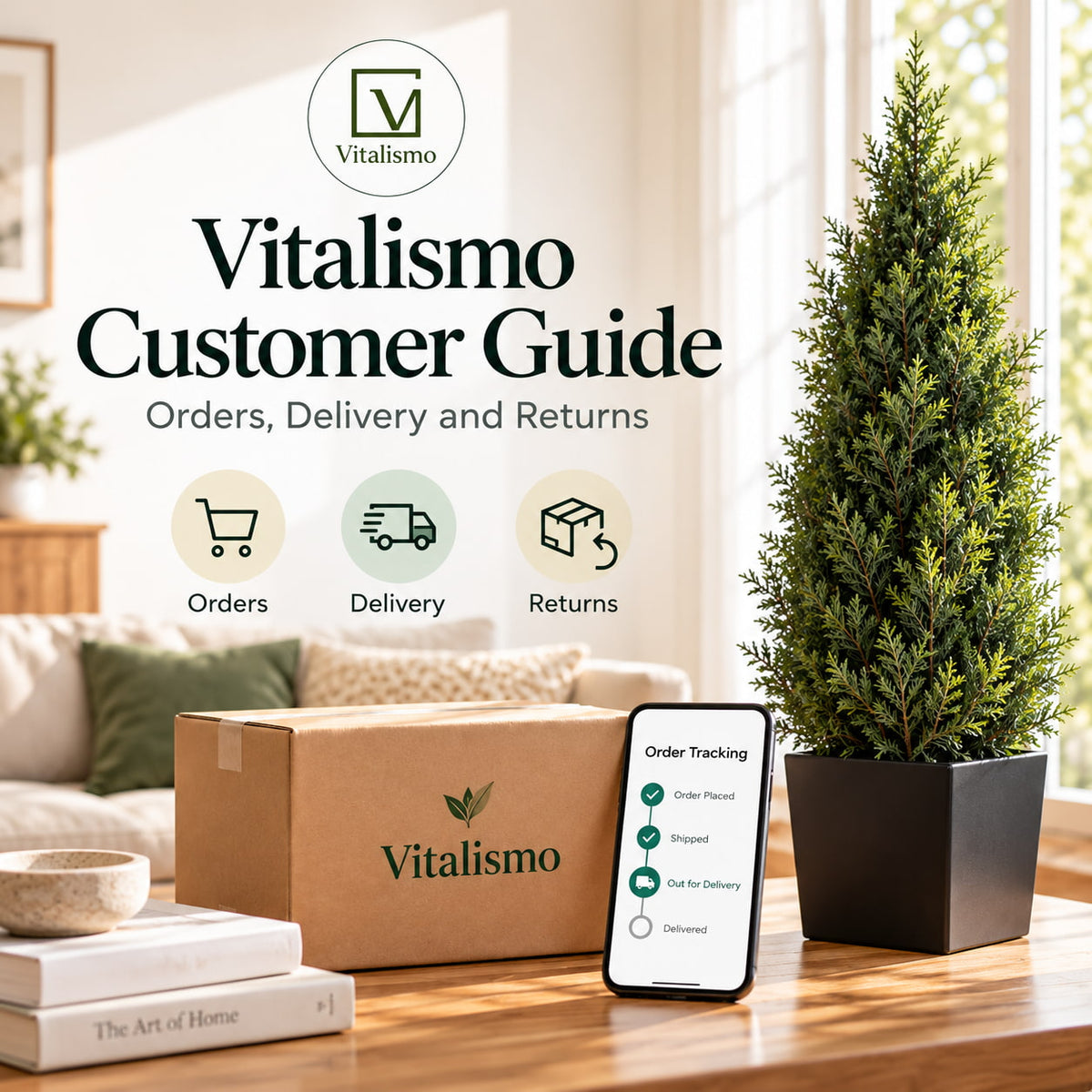
You can check your shipping status directly through our official order tracking page.

Step 1: Visit Vitalismo Order Tracking.
Step 2: Find your order number in your order confirmation email.
Step 3: Enter your order number and the email address or phone number associated with your purchase. If you already have a tracking number, you can use that instead.
Step 4: Select "Track Your Order" to view the latest available shipping information.
If no tracking details appear immediately after your shipping confirmation, we recommend checking again in 24–48 hours.
Tracking information will become available once the relevant shipment updates have been recorded and synchronized.
What Should I Do If Tracking Still Isn't Updating?
If your tracking information remains unavailable after 48 hours, first double-check that you've entered the correct order or tracking number.
Remember that weekends, holidays, and high shipping volumes can sometimes extend the time between updates.
If the status remains unchanged or you're concerned about your delivery, please contact our customer support team.
You can also email vitalismo.store@gmail.com with your order number and a brief description of the issue.
Our team can help review your order status and provide the available shipping information.
Frequently Asked Questions
Does "Tracking Information Not Available" mean my order hasn't shipped?
Not necessarily. A shipping label may have been created, but the carrier might not have scanned the package yet. Contact us if you need confirmation of the shipment status.
Where can I find my order number?
Your order number is included in the confirmation email sent after you place your Vitalismo order. Check your inbox or spam folder if you can't find it.
How long should I wait before checking tracking again?
We recommend checking again after 24–48 hours if you've recently received your shipping confirmation. Updates can take longer during weekends and peak shopping seasons.
Why hasn't my package moved for a day or two?
Packages aren't necessarily scanned at every point along their route. Your shipment may still be traveling between distribution centers even when no new tracking event appears.
How long does Vitalismo delivery usually take?
Our standard shipping transit time is generally 3–7 business days within the contiguous United States. This is an estimated transit period and does not include additional order-processing time.
For more details, please review our Shipping Policy.
We're Here to Help
At Vitalismo, we know you're excited to receive your order, whether it's a new artificial tree, seasonal greenery, or holiday decoration.
If your tracking details aren't available yet, checking again after a day or two is often a helpful first step.
You can always refer to your order confirmation email for your purchase details and use our tracking page for shipping updates.
And if you still need assistance, our support team is here to help you find the information you need.
By the Vitalismo Editorial Team


Leave a comment
This site is protected by hCaptcha and the hCaptcha Privacy Policy and Terms of Service apply.